
NEW AI video method · Claude + Blender

Write one sentence.
Get a finished town video.

AI does the hard part: Claude builds the town, the people, the camera and the edit in Blender. The whole workflow, in five Claude skills.

  • No keyframes
  • No 3D modelling
  • Blender is free

One-time payment · needs a computer and a paid Claude plan.

The dollar town · mystery
Everyone floats · comedy
Stay in line · thriller

Made with this method

Stories with a hook and a twist.

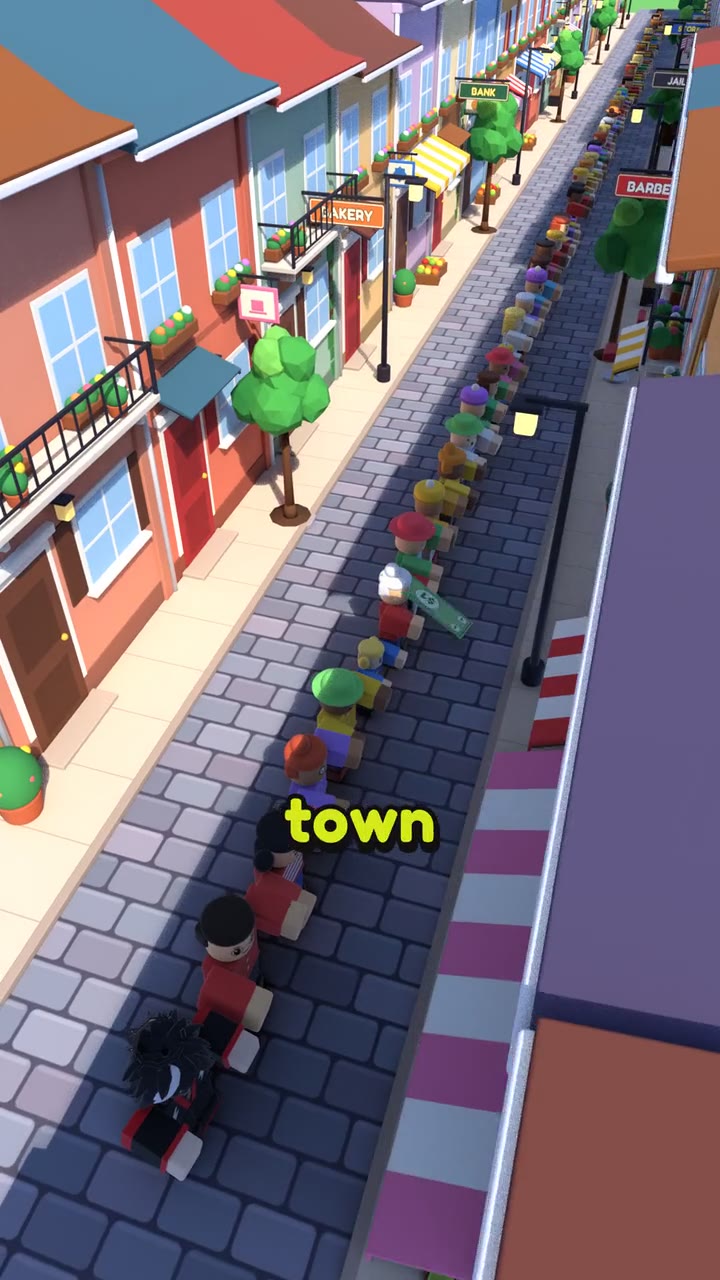
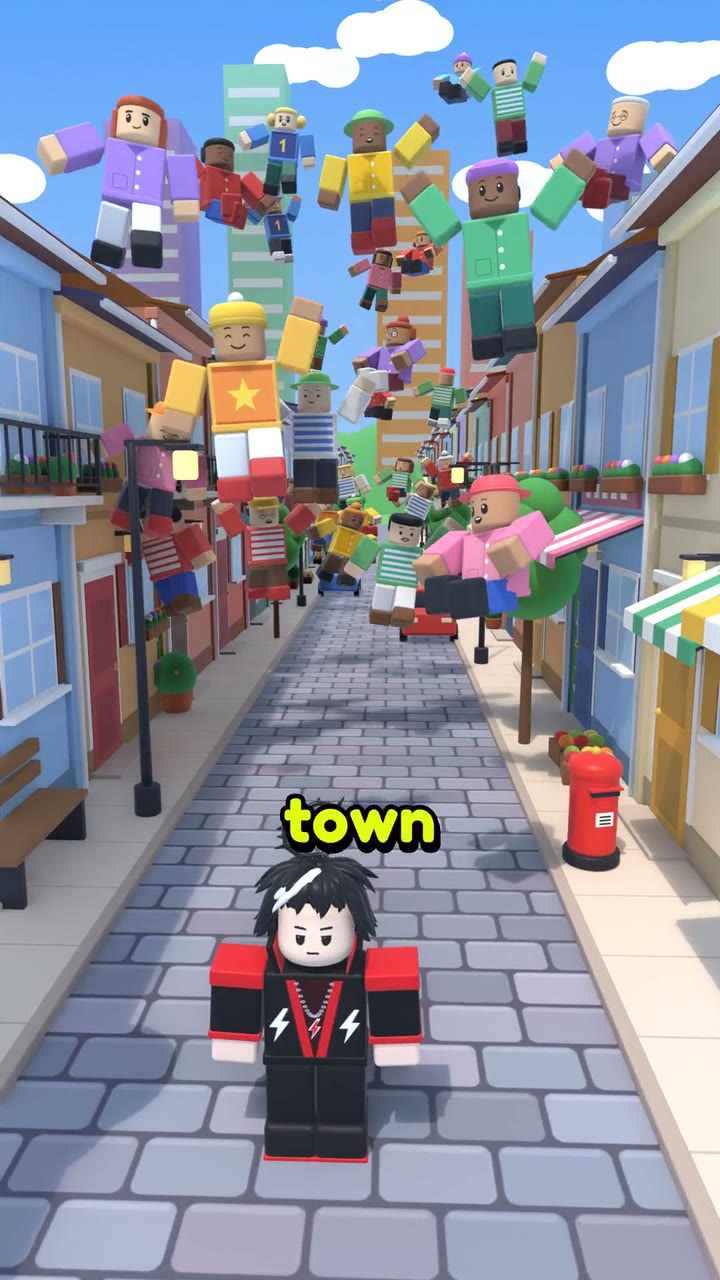
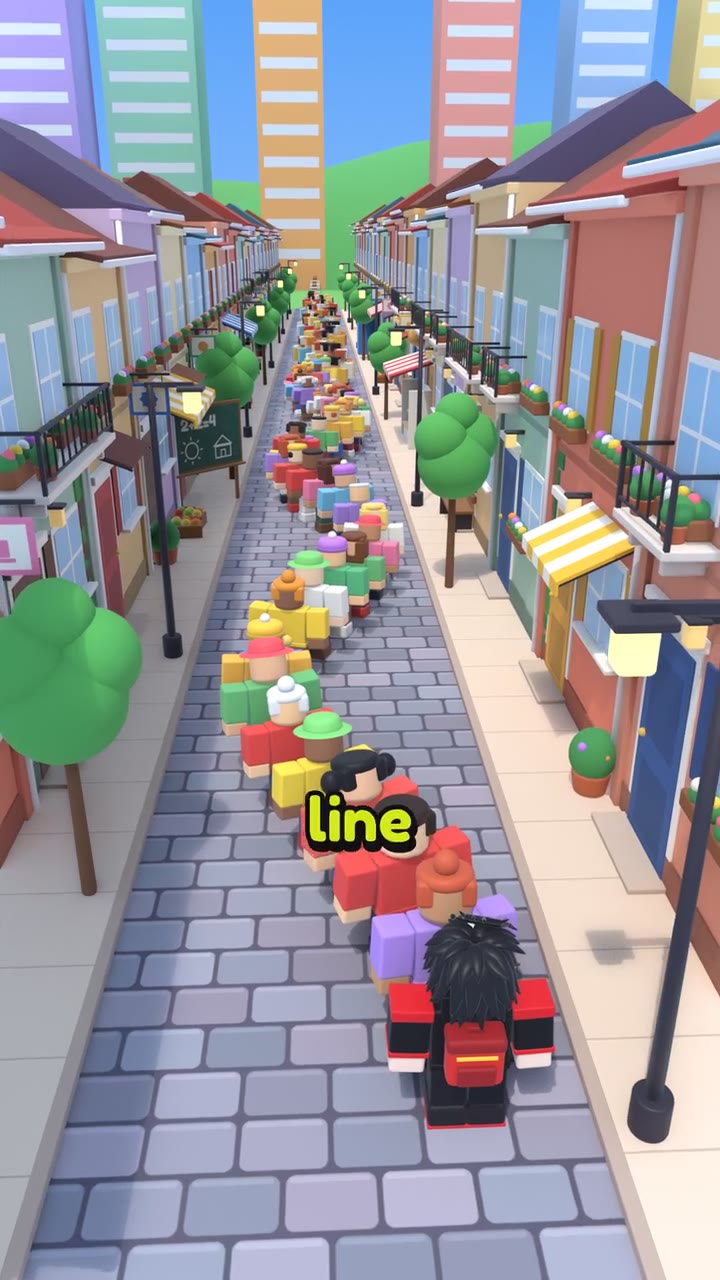
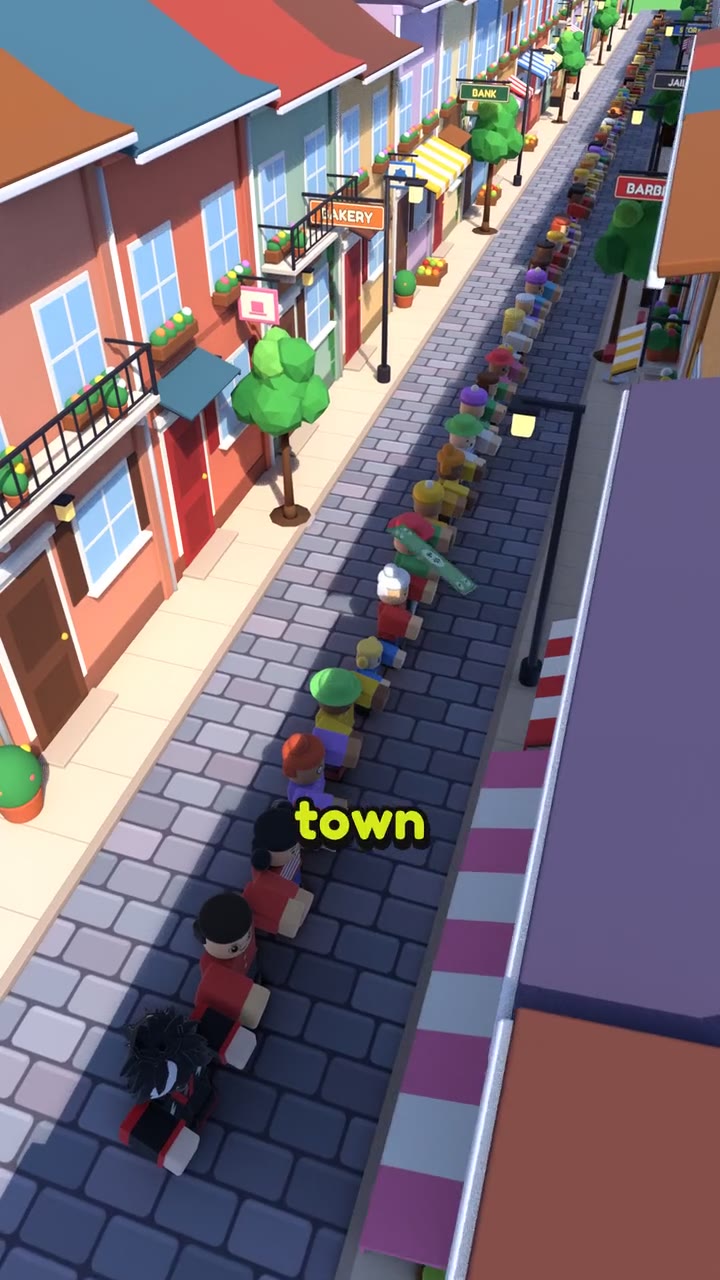
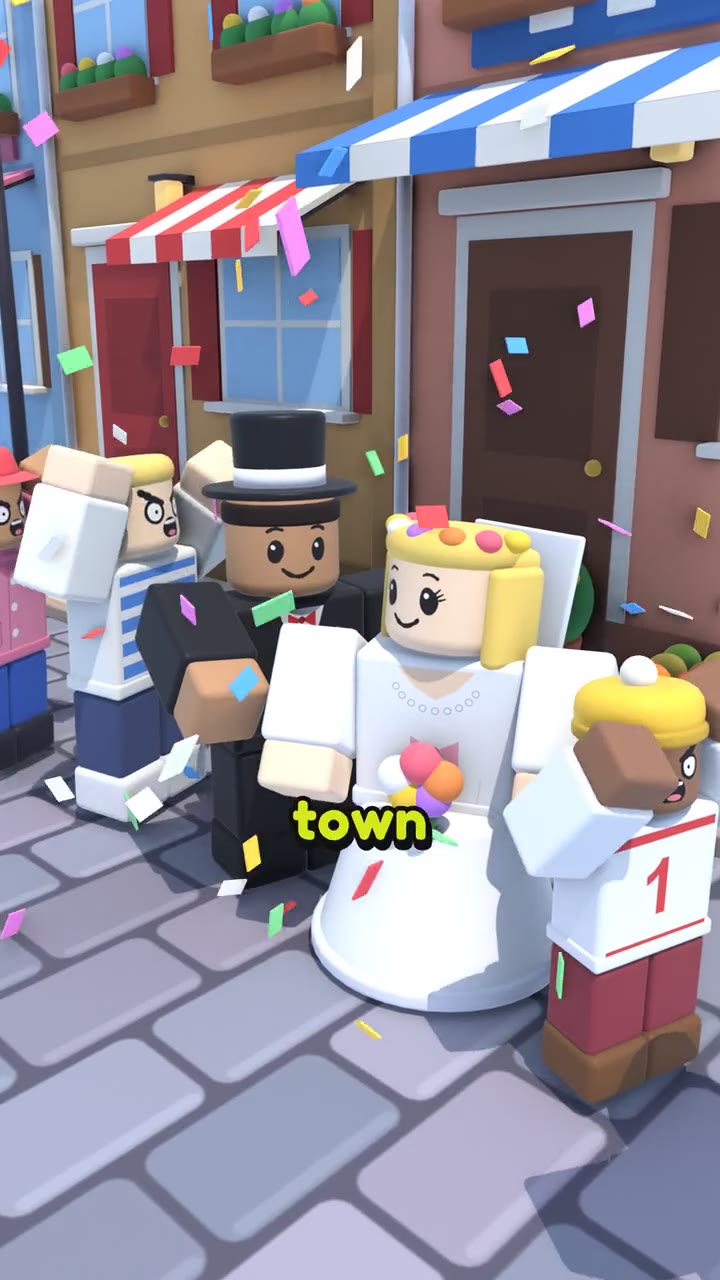
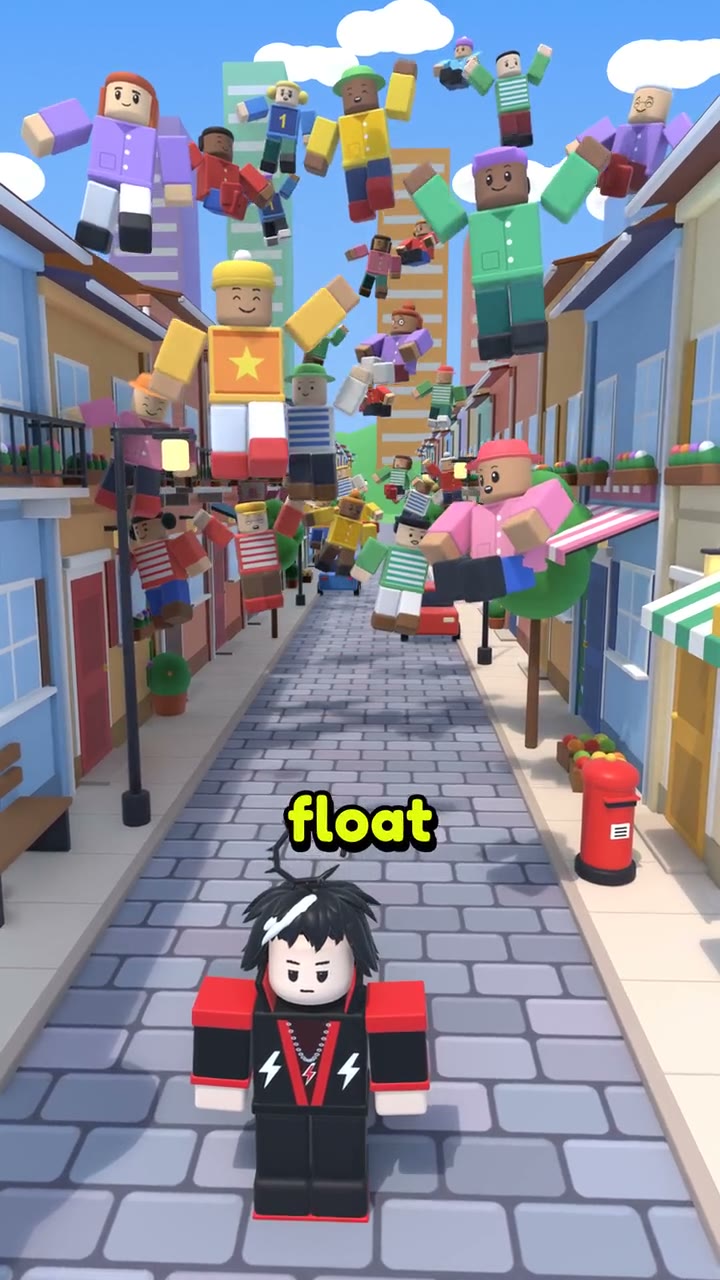
Three videos written, voiced, built, filmed and edited with this method. Plus one scene the kit made on its own, from one sentence.

Mystery
The dollar town1:46 · first 24 s
Thriller
Stay in line1:37 · first 24 s
Comedy
Everyone floats1:44 · first 24 s
Made by the kit
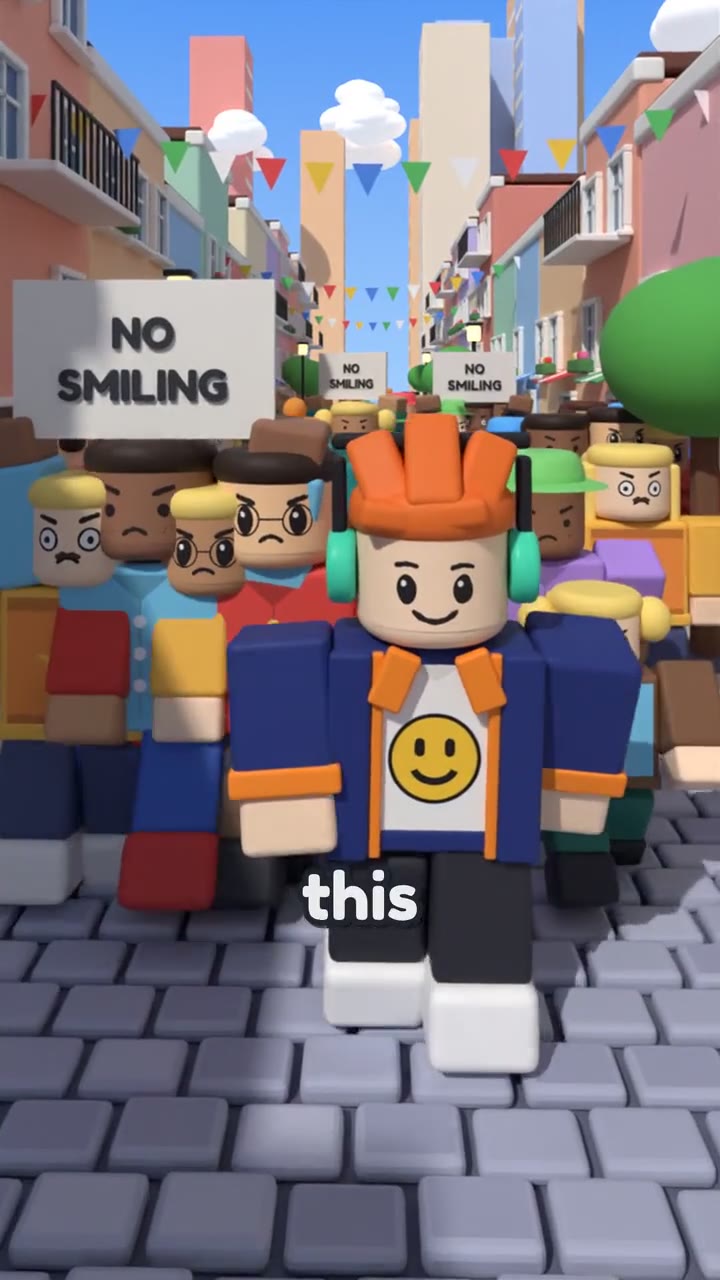
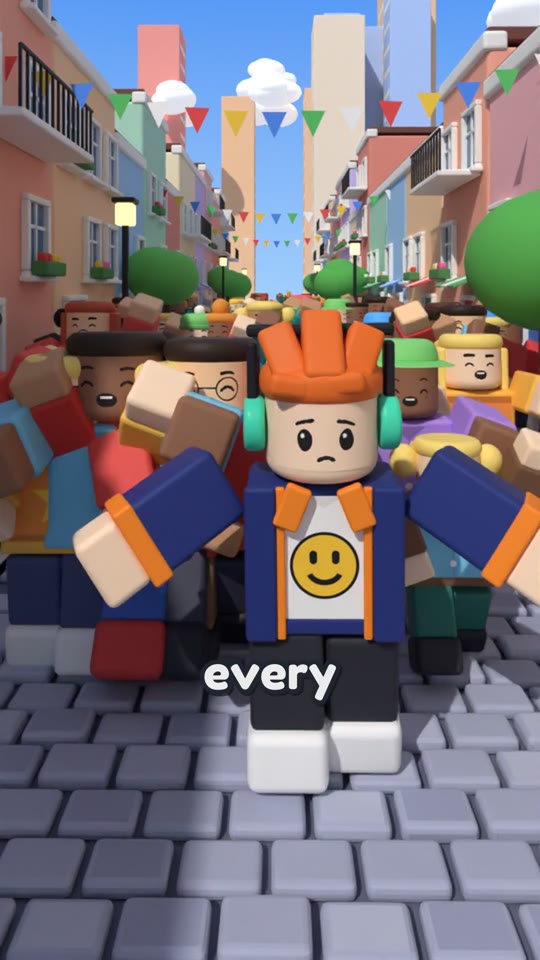
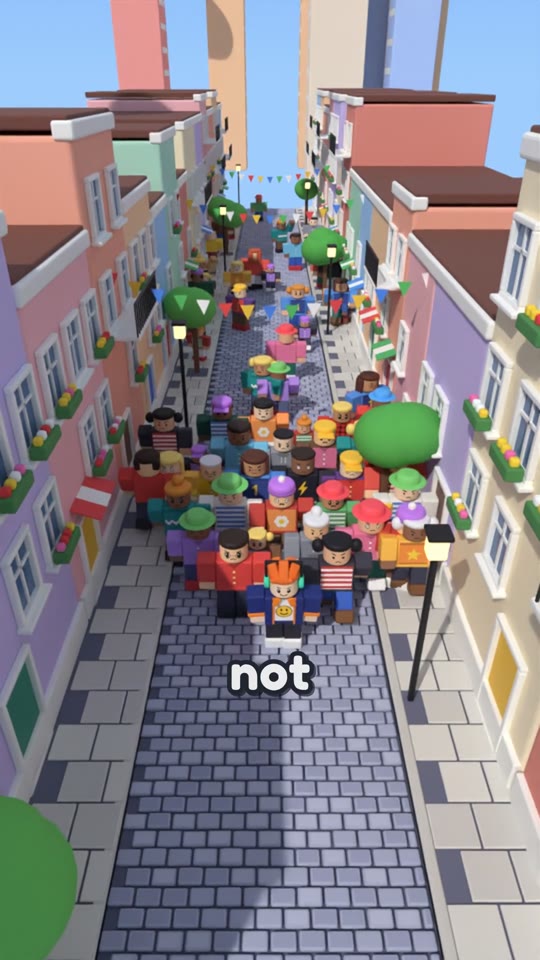
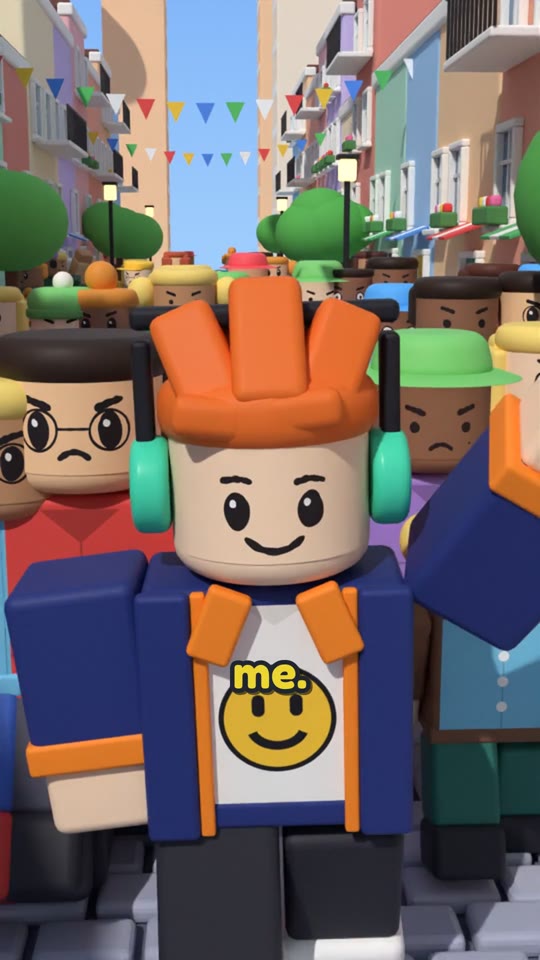
“Smiling is not allowed”One sentence in → 12 s scene · captions only

Point at a video to bring it closer · click for sound

Claude writes and drives Blender free · builds and films ffmpeg free · edits TikTok · Reels · Shorts 1080×1920

How it works

Three steps.
Claude takes the heavy one.

  1. 1Your part

    Say one sentence

    The story skill turns it into the town's rule, a twist that surprises, the words and a shot list where no two shots look the same.

    You type“In this town smiling is not allowed. Except me.”
  2. 2You

    Add the voice

    Record it yourself or use an AI voice tool. Its timing becomes the rhythm of the cuts and the captions. No voice? Captions only works too.

  3. 3Claude's part

    Claude builds, films, edits

    Claude drives Blender for you: the street, the people, the camera moves, the render and the final vertical video.

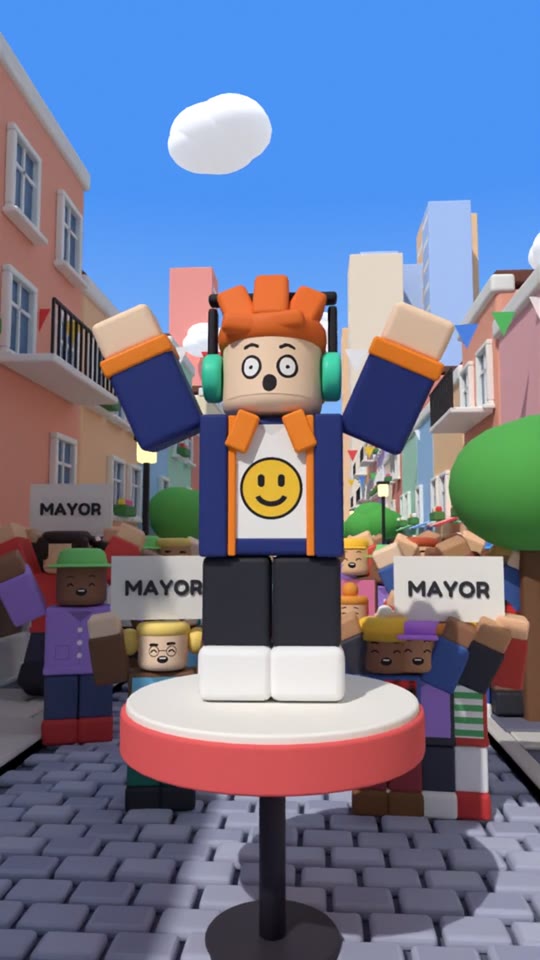
    The main character on a podium, a scene built and filmed by the kit1080×1920

No modelling by hand. No keyframing. You decide the story and check the result.

What's inside

The Claude skills that make the video.

Five skills that Claude runs in order, a setup guide that starts from zero and a full example made with the kit. The video lessons are being recorded and join your access when ready.

town-setup
> Use town-setup to check my setup and make the test video.
town-setup check, Windows 11
[OK] Blender 5.1
[OK] ffmpeg
[OK] disk
Rendering the test scene...
Video: renders\setup_test_quick.mp4  1080x1920
RESULT: OK. Your project folder is ready.
>

Rule: smiling is not allowed. Twist: the last one smiling becomes mayor.

#cameramain charactercrowd
1street, pushwalks, smilesangry, signs
2high, wide—walk
3close, facesmilespoint
4low, hitshockcheer
Narrow street with houses side by side, built by the town-world skill
Main character in front of a crowd with painted faces
Close shot of the main character in shock, with a caption

Every video, checked

A review sheet before you post

Every render comes with a sheet of every shot, so Claude and you catch what is wrong before anyone sees it.

Review sheet: one frame of each of the nine shots of the example video

Video lessons Being recorded

Screen recordings you follow click by click. They are added to your access as each one is ready; until then the PDF guide covers the whole setup.

  1. 1
    Start from zeroYour Claude plan, Claude, Blender, ffmpeg, the kit and your first test video. Windows and Mac.
  2. 2
    The method, from idea to finished videoOne whole video, start to end, in 3–4 minutes.
  3. 3
    The voiceHow we make the voice-over and time it to the cuts.

Files you keep

ZIP
The kitThe 5 skills and their scripts. Clean and commented.
.pdf
Start-from-zero guideThe whole setup on paper, for Windows and Mac.
.mp4
A full exampleStory, shot table, video and review sheet of the scene above.

Once you're set up

What you'll be able to do.

  • Turn one sentence into a finished videoRule, twist, shots, render and edit, with Claude doing the heavy work.
  • Open on the town's ruleThe strange rule is on screen in the first second.
  • Keep one main character in every videoYour own look and street, so your account is recognisable.
  • Post vertical videos ready for TikTok, Reels and Shorts1080×1920, captions placed clear of faces.
  • Make the next one fasterSame project, new story: the setup is done once.

Before you buy

What you need.
No experience required.

Never used Claude, Blender or a terminal? Good. The setup guide starts from zero and installs everything with you, step by step.

Tick what you already have

Price

One payment. Everything.

No subscription to us. Claude and the AI voice are paid separately to their providers: see what you need.

Full method

Viral Town Method

€29.99one-time payment
+ VAT at checkout
  • The 5 Claude skills that build every video
  • Start-from-zero PDF guide (Windows & Mac)
  • A full example: story, shots, video, review sheet
  • Video lessons: start from zero, the method, the voice · being recorded, added when ready
Get the method €29.99

FAQ

Questions? Answers.

Still unsure? Everything you need is in the guide, from the Claude plan to your first test video.

I've never used Claude, Blender or a terminal. Is this for me?

Yes. The setup guide starts from zero: which Claude plan to get, installing Claude, Blender and ffmpeg, connecting Claude to Blender and making a first test video. After that, Claude drives Blender through the skills; you decide the story and check the result.

What exactly do I get after paying?

A download with the 5 Claude skills, the setup guide (PDF) and a full example made with the kit. The video lessons (start from zero, the method, the voice) are being recorded and are added to your access as each one is ready.

How long does one video take?

The setup is done once, with the guide. After that most of the time is your computer rendering; how long depends on your computer and the length of the video. The 12-second example above is what the kit made on its own from one sentence.

Do I have to use my own voice?

No. You can use an AI voice tool, record yourself, or make videos with captions only and no voice at all.

Which tools do I need, and what do they cost?

A paid Claude plan to run the skills (Claude Pro is $20/month, or $17/month billed yearly, taxes extra; heavy daily use may need Max at $100/month), Blender and ffmpeg (both free), and, for voiced videos, an AI voice tool (free tiers to try, paid plans for regular use). These are paid to their providers and are not included in our price.

Can I make money with these videos?

TikTok, YouTube Shorts and Instagram have programs that pay eligible creators, each with its own requirements. Nobody can promise views or earnings: they depend on your stories, how often you post and the algorithm.

Is it a one-time payment?

Yes. €29.99 once, plus VAT where it applies. No subscription to us.

What language are the guide and skills in?

The guide and skills are in English. The videos you make can be in any language your voice tool supports.

Can I watch on my phone?

Yes, the guide and the lessons open on phone, tablet and desktop. To make videos you need a computer.

Is this an official Roblox product?

No. Viral Town Method is an independent guide to making blocky, Roblox-style animated story videos. It is not affiliated with or endorsed by Roblox Corporation.

Your story is waiting

Your town. Your rules.

One sentence in. A finished vertical video out.